
Once you are logged into your Website Builder you will see the Settings icon on the top left side of the menu. There you will find the option to add a new subpage.
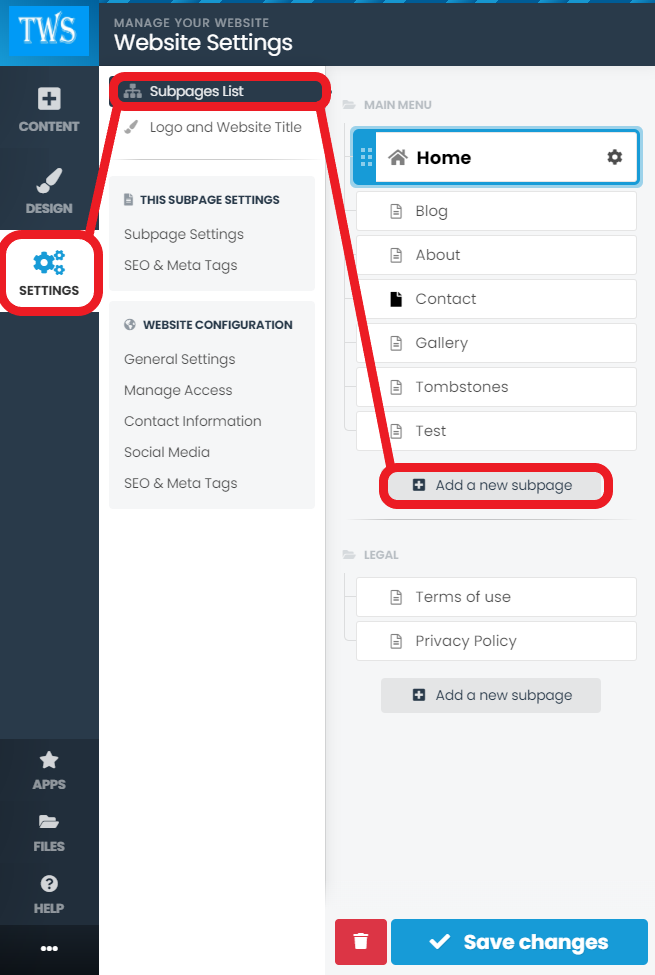
Add a Normal Subpage

Then remove the current content block to free space for your new gallery block

Once done, click on the Content icon on the top left side of the menu. Here you can add a Photo Gallery from the Apps section.

Once selected you will be able to add a new gallery

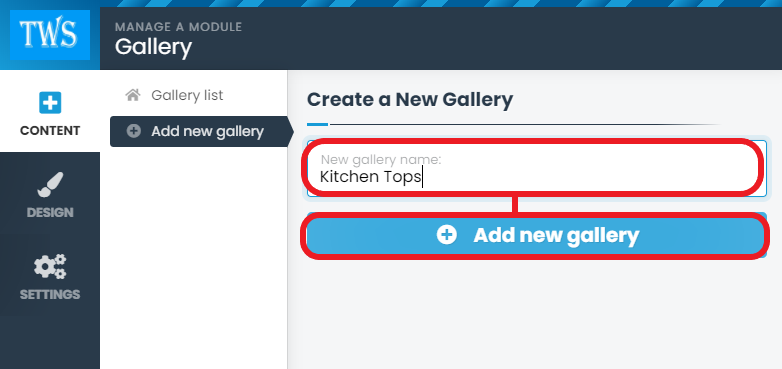
You will be able to upload photos beforehand or simply add the gallery to the page and then add photos when needed
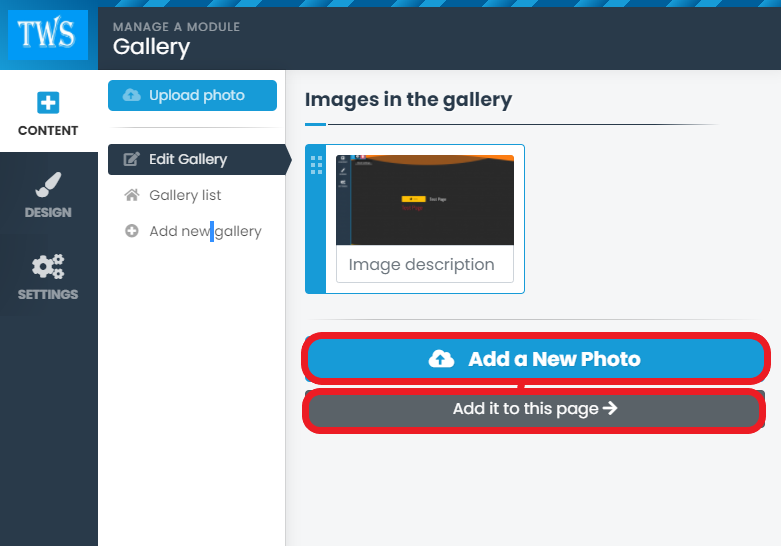
You can now add separate galleries to your Website.
